
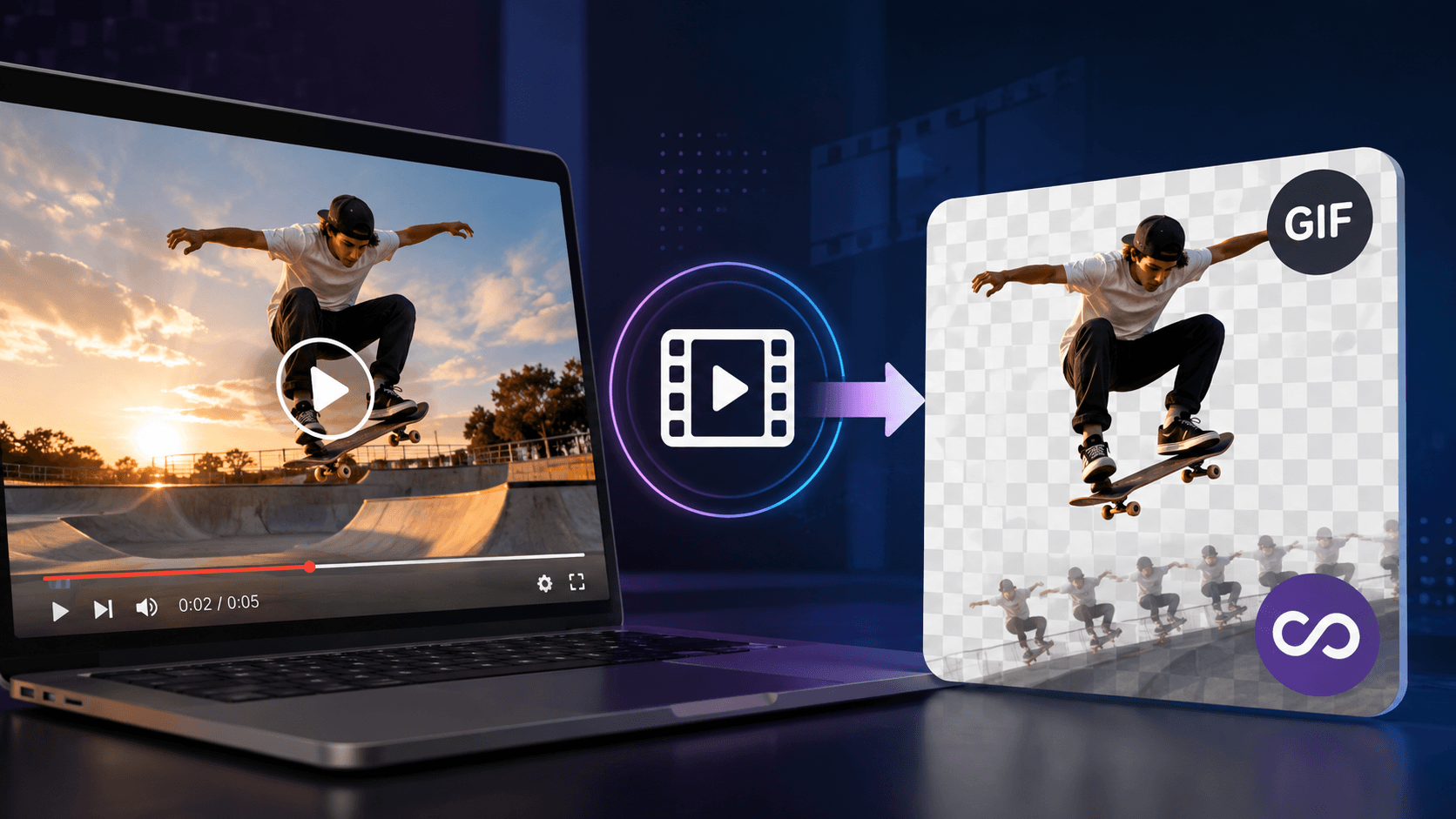
In an era dominated by rapid scrolling and fleeting attention spans, getting someone to pause on your content for even three seconds feels like a major victory. Traditional long-form video certainly has its place, but when you want to deliver an instant punch of personality, demonstrate a quick feature, or spark a quick laugh, full-length video playback can often feel sluggish and demanding.
That is precisely why short, looping visual snippets have quietly maintained their crown as the unofficial language of the internet. They bridge the gap between static images and heavy video files, delivering instant context without requiring a viewer to press play, unmute their audio, or commit to a multi-minute watch.
Whether you are running a brand channel, writing an engaging newsletter, or simply trying to elevate your team’s internal documentation, mastering the art of bite-sized motion graphics can fundamentally change how your audience interacts with your message.
Why Short-Form Motion Wins Every Time
Human eyes are hardwired to track movement. Put a block of plain text next to an animated visual on any screen, and the human eye will instinctively drift toward the moving target every single time. However, embedding full video files across websites, emails, and presentation decks often introduces unwanted friction—buffering delays, autogenerated video player controls, and unpredictable audio playback that can jar users.
Looping visual animations eliminate these friction points entirely. They play automatically, repeat infinitely, and keep file sizes manageable across desktop and mobile browsers alike. Whether you need to highlight a five-second feature demo or capture a memorable moment from a podcast, using a reliable video to GIF converter makes the transition smooth without requiring complex software or steep learning curves.
By stripping away unnecessary audio tracks and focusing entirely on visual motion, you force your messaging to become sharper, cleaner, and far more memorable.
The Art of Selecting the Perfect Source Clip
Not every second of footage translates well into a silent, repeating loop. Converting video effectively requires an eye for timing, clarity, and spatial framing. Before converting any file, consider these core principles to ensure your final asset land with maximum impact:
1. Isolate the Core Action
The ideal loop lasts between two and six seconds. Any longer, and the file size inflates drastically while losing its punchy, repetitive appeal. Focus on a single, self-contained movement: a product unboxing step, a reaction gesture, or a quick interface click.
2. Aim for Natural Looping
The most satisfying visual loops are those where the ending frame seamlessly transitions back into the starting frame. Look for natural entry and exit points in your footage, or trim the clip right before an action resets so the continuous playback feels smooth rather than jarring.
3. Prioritize High Contrast and Bold Subjects
Because these animations are frequently viewed on small mobile screens or embedded inside dense web pages, subtle details can easily get lost. Choose footage with clear focal subjects, bright lighting, and distinct foreground-background separation.
Technical Nuances: Balancing Quality, Frame Rate, and File Size
Creating great micro-graphics is as much about technical optimization as it is about creative instinct. A crisp animation that takes eight seconds to load on a mobile device is ultimately a failed graphic. To achieve the perfect balance between crisp visuals and snappy performance, pay attention to three key settings:
- Frame Rate (FPS): Standard video typically runs at 24 to 30 frames per second. For lightweight web loops, dropping the frame rate down to 12 or 15 FPS cuts the file size significantly while retaining fluid movement.
- Dimensions and Resolution: Resist the urge to export everything in 1080p resolution. In most web contexts—such as inline blog posts or sidebars—a width of 600 to 800 pixels is more than enough to look sharp without taxing user bandwidth.
- Color Palette Management: The classic looping image format relies on a limited 256-color palette. If your source video contains complex gradients or shadowy cinematic shots, you may notice subtle color banding. Selecting clips with flat colors or strong geometric shapes yields significantly cleaner results.
Real-World Use Cases That Drive Real Engagement
Understanding the mechanics is only half the battle; knowing where to deploy these assets is where the real value lies. An image animator can also help turn static visuals into engaging animated content, showing how modern creators and brands leverage short visual loops to stand out.
Product Showcases and SaaS Demos
Instead of asking potential customers to watch a two-minute promotional video, embed a series of focused, looping motion clips throughout your landing page. Showing a tool in active use—such as clicking a button and revealing an instant result—builds trust instantly.
Technical Tutorials and Customer Support
Ever tried explaining a multi-step software workflow using only text and static screenshots? It often leads to confusion. A quick visual loop showing exact cursor movements saves dozens of support emails and clarifies complex instructions in seconds.
Email Marketing Campaigns
Most email clients notoriously struggle with embedded video players, often blocking them entirely or flagging the message as spam. Animated loops, however, enjoy near-universal support across email readers, making them the ultimate secret weapon for adding dynamic energy to product launch announcements and newsletters.
Bringing It All Together
In a digital landscape filled with noise, clarity and speed are your greatest assets. You don’t need a massive production budget or advanced motion design skills to create content that stops people in their tracks. By taking short, impactful snippets of video and converting them into lightweight, auto-playing visual loops, you give your content the instant visual hook it needs to thrive on the modern web. Keep your clips focused, keep your file sizes light, and let the motion speak for itself.